In a previous post, we listed the requirements for the new design for HelpHub. This article is going to discuss one particular requirement, the hashtag at the end of the headlines inside an article.
Basically, we want to remove the # character from the headlines. It may be a radical change but it is necessary for accessibility reasons.
First of all, let’s mention the requirements to remove or replace the hashtag. The function must be:
- Clear on purpose
- Easy to read with keyboard
- Reduce visual noise
- Not polluting the link’s list for screen readers
# is it an anchor or a link?
The hashtag is used at the end of a headline in the articles as seen in the image below. In order to define its future, we need to understand its behavior.

The hashtag is a link; the anchor is the H2 in the example above. It’s the anchor element, but it’s the link behavior, so it is ambiguous.
Technically, anchor refers to the target of an on-page link. This appears to be a link that gives easy access to identify the URL that will give you access to the current location on the document. That’s…actually kind of complicated.
What about accessibility?
The icon of the character used is not as important as communicating the function of the link. Right now, the # has aria-hidden=true label, so it won’t be read at all.
<h2 id="requirements-on-the-server-side" class="toc-heading" tabindex="-1">Requirements on the server side <a href="#requirements-on-the-server-side" class="anchor"><span aria-hidden="true">#</span><span class="screen-reader-text">Requirements on the server side</span></a></h2>Link to the code page, line 196
It’s backed by screen reader text that duplicates the heading title, but is also nested inside the heading; this means that the heading text will be read (e.g.) “Recommended setup Recommended setup”. It’s creating duplicate text nested inside the heading and does not expose any visible text to explain the purpose.
The options
After some research, I have found several options for replacing and/or removing the hashtag.
- Adding the link to the heading with a character
- Making the heading a link
- Replacing the hashtag with a fly-out menu
Adding the link to the heading
Adding the link to the heading, as used by GitHub, where the link is currently the method to expose the link to that section. It can also be linked from the topics table, at the top of the article. We would have to make sure the implementation is accessible to others besides sighted mouse users.
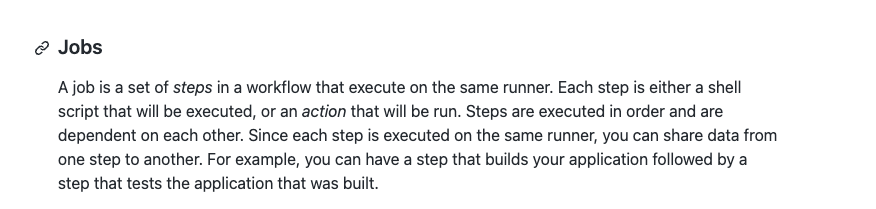
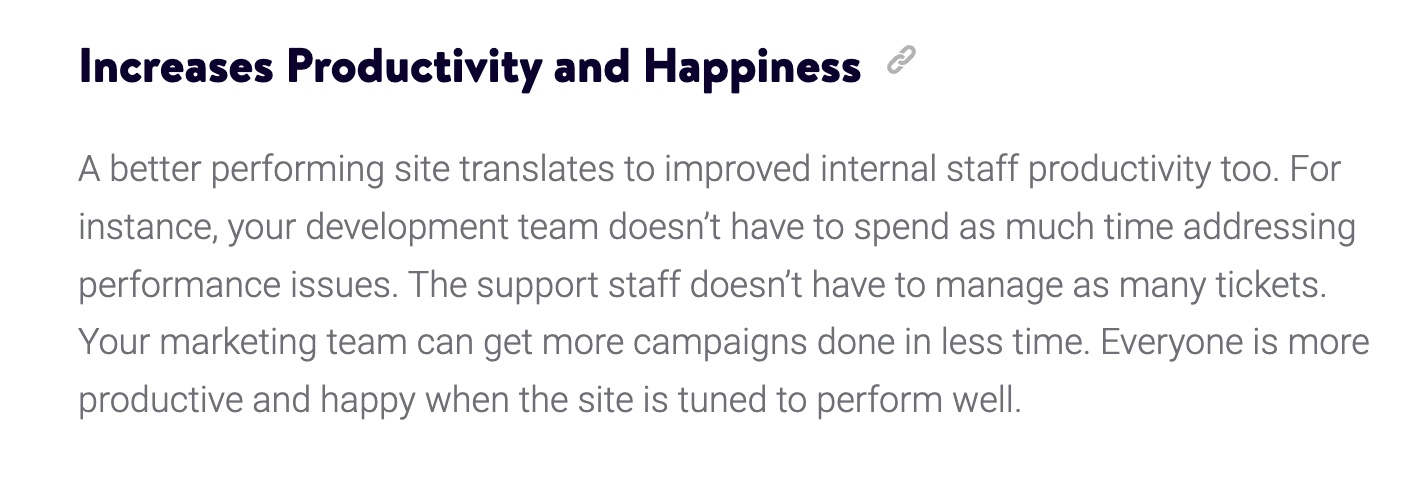
Adding the link to the heading
Adding the link to the heading is reasonable and the simplest solution to replace the hashtag, as it will simplify the problem: the functionality will be clear and the visual noise would be reduced considerably.
There are arguments against providing links that point to themselves, however, as it can make a confusing interaction. One of the arguments against this method is that it pollutes the link list on a screen reader. The way the hashtag is presented now, already pollutes the screen reader’s link list.
Replacing the hashtag
Replacing the hashtag with a fly-out menu, as explained by the w3.org. The w3.org recommends using the fly-out menu to meet WCAG. The fly-out menu removes the need for multiple page loads. The biggest disadvantage is for people with reduced dexterity who can have trouble or it could be almost impossible to operate fly-out menus,which can be prevented with the correct implementation.

The design above would be changed to meet the WordPress.org design style.
Removing the Symbol
Is removing the symbol entirely an option? Another recommendation from w3.org is placing the interactive elements in an order that follows sequence. This means adding a table of contents which will link to the interactive element, the headline in this case. Basically, the way it is right now but without the hashtag.
References
- Best Practices for Accessible Links, CA State University – Accessible Technology Initiative
- Making Accessible Links: 15 Golden Rules For Developers, Sitepoint
- Are your Anchor Links Accessible? – Automating accessible anchor links by Amber Wilson
- Suggestion: adding an option to render a more accessible anchor link issue #82 – valeriangalliat/markdown-it-anchor – GitHub
- <link>: The External Resource Link element – HTML – Providing alternative stylesheets- MDN web docs
- Accessibility: heading – Almanac by HTTP archive
- Creating valid and accessible links – a11yproject
We would like to hear from you. Do you have another solution that could meet all the requirements?
Props to @ryokuhi, @joedolson, @milana_cap, @jillmugge for peer review.
Update 8 March 2022
We are moving the discussion to a meta ticket to discuss options and accessibility.