#gallery-138 {
margin: auto;
}
#gallery-138 .gallery-item {
float: left;
margin-top: 10px;
text-align: center;
width: 50%;
}
#gallery-138 img {
border: 2px solid #cfcfcf;
}
#gallery-138 .gallery-caption {
margin-left: 0;
}
/* see gallery_shortcode() in wp-includes/media.php */
-

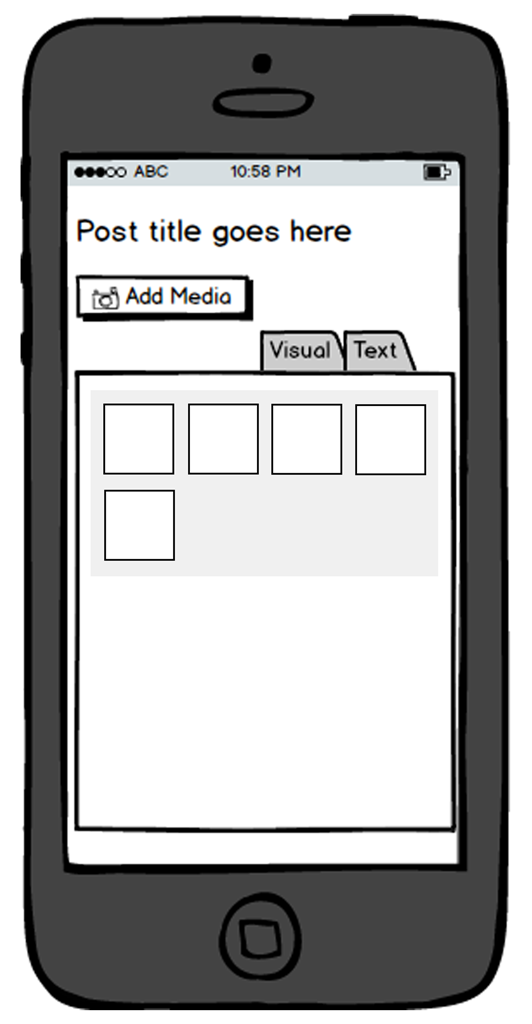
- User Clicks ‘Add Media’.

-

- User is shown media grid.

-

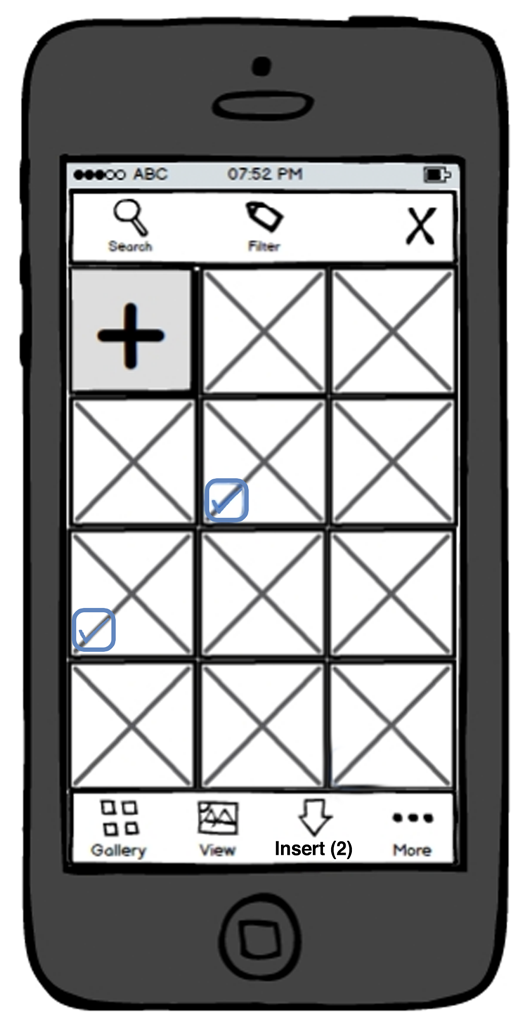
- User selects an image by tapping it.

-

- User selects another image.
-

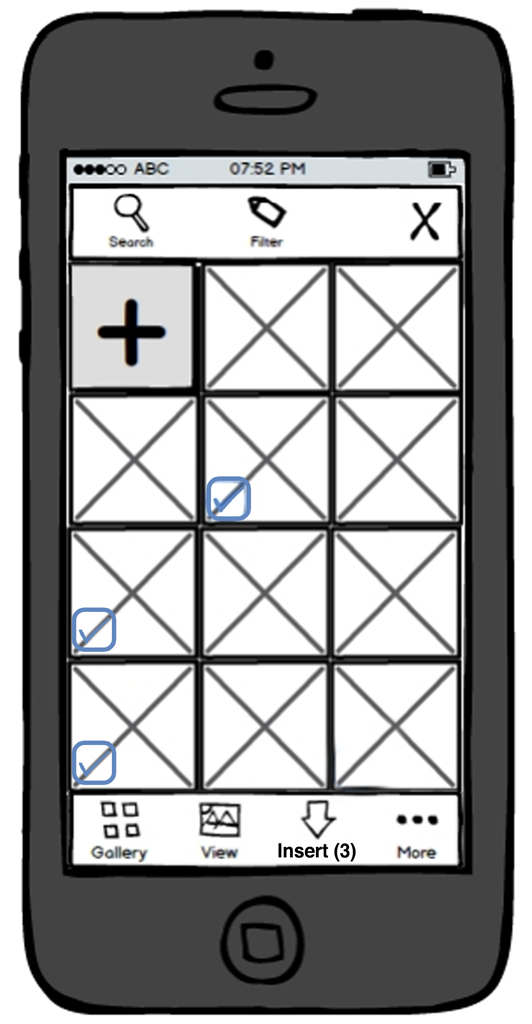
- User selects another image.
-

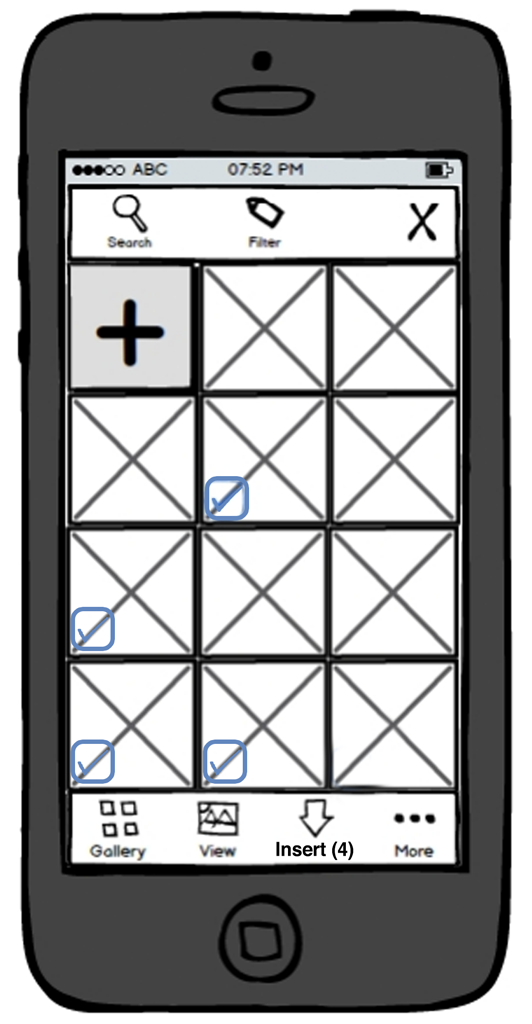
- User selects another image.
-

- User selects another image and clicks ‘Create Gallery’

-

- User Clicks ‘Insert Gallery’
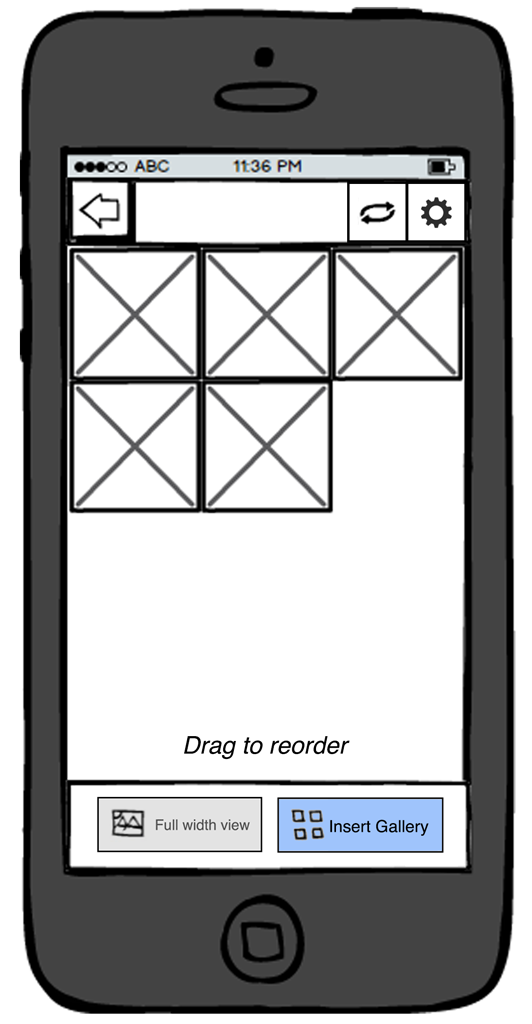
-

- Gallery is inserted into Editor.
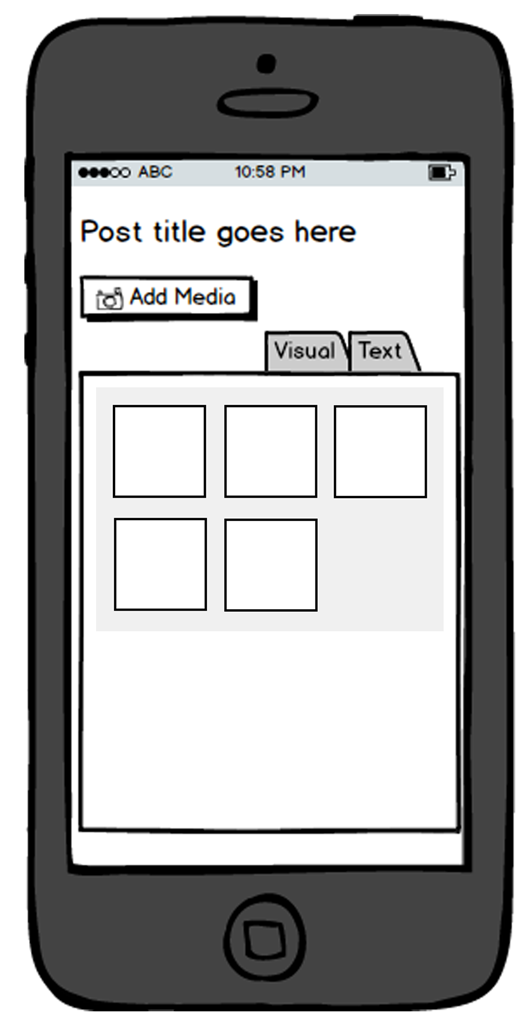
Optional path if user wants to change settings. Starts after ‘Create Gallery’ has been clicked.
#gallery-139 {
margin: auto;
}
#gallery-139 .gallery-item {
float: left;
margin-top: 10px;
text-align: center;
width: 50%;
}
#gallery-139 img {
border: 2px solid #cfcfcf;
}
#gallery-139 .gallery-caption {
margin-left: 0;
}
/* see gallery_shortcode() in wp-includes/media.php */
-
- User Clicks ‘Insert Gallery’
-

- User Clicks ‘Gallery Options’
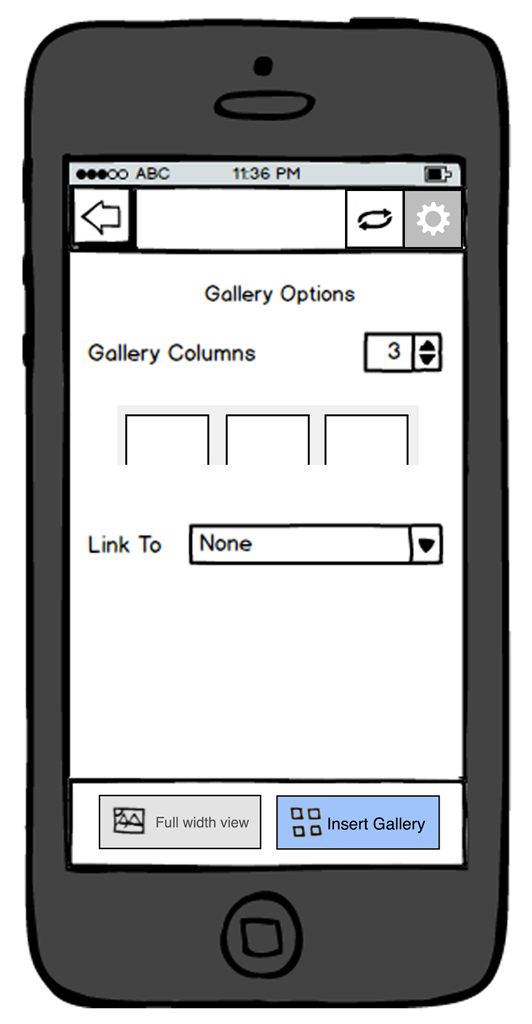
-

- User changes the number of columns

-

- User Clicks ‘Insert Gallery’

-

- Gallery is inserted into Editor.