#gallery-134 {
margin: auto;
}
#gallery-134 .gallery-item {
float: left;
margin-top: 10px;
text-align: center;
width: 50%;
}
#gallery-134 img {
border: 2px solid #cfcfcf;
}
#gallery-134 .gallery-caption {
margin-left: 0;
}
/* see gallery_shortcode() in wp-includes/media.php */
-

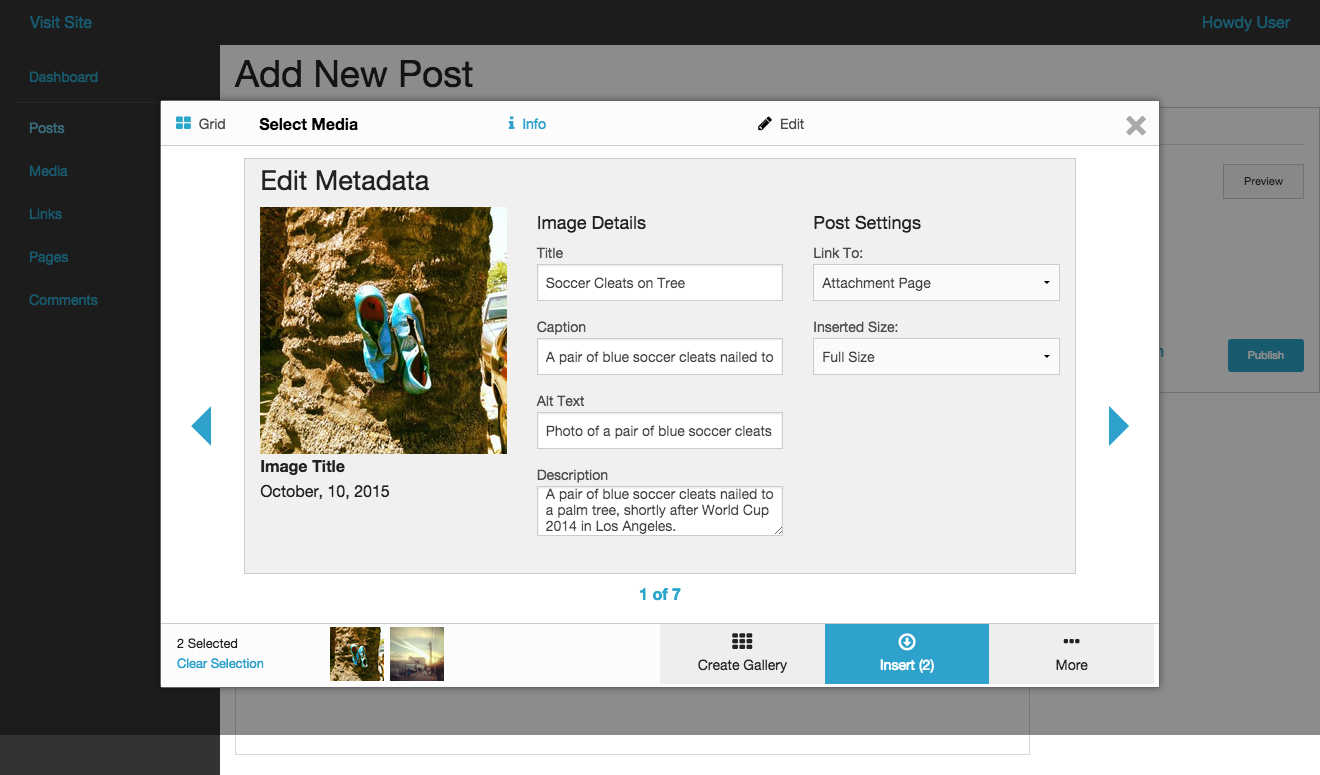
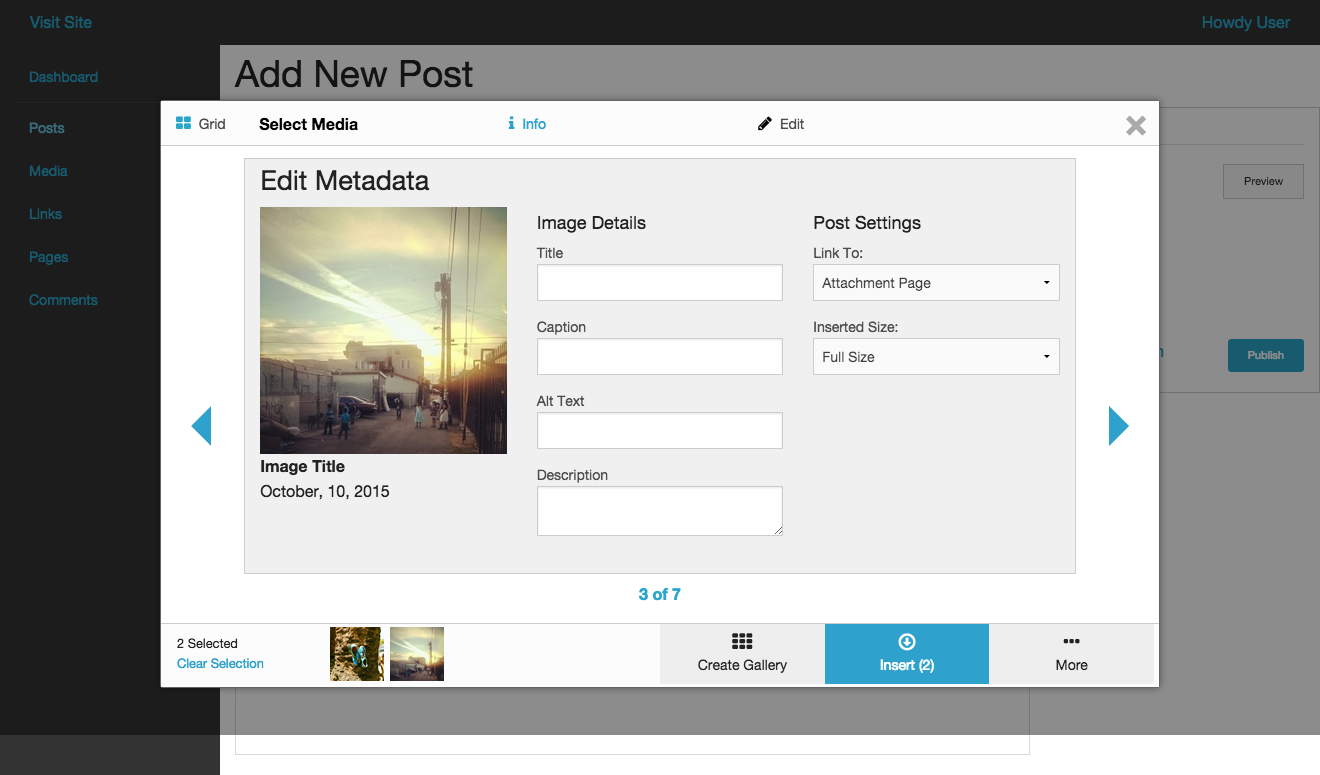
- User enters metadata
-

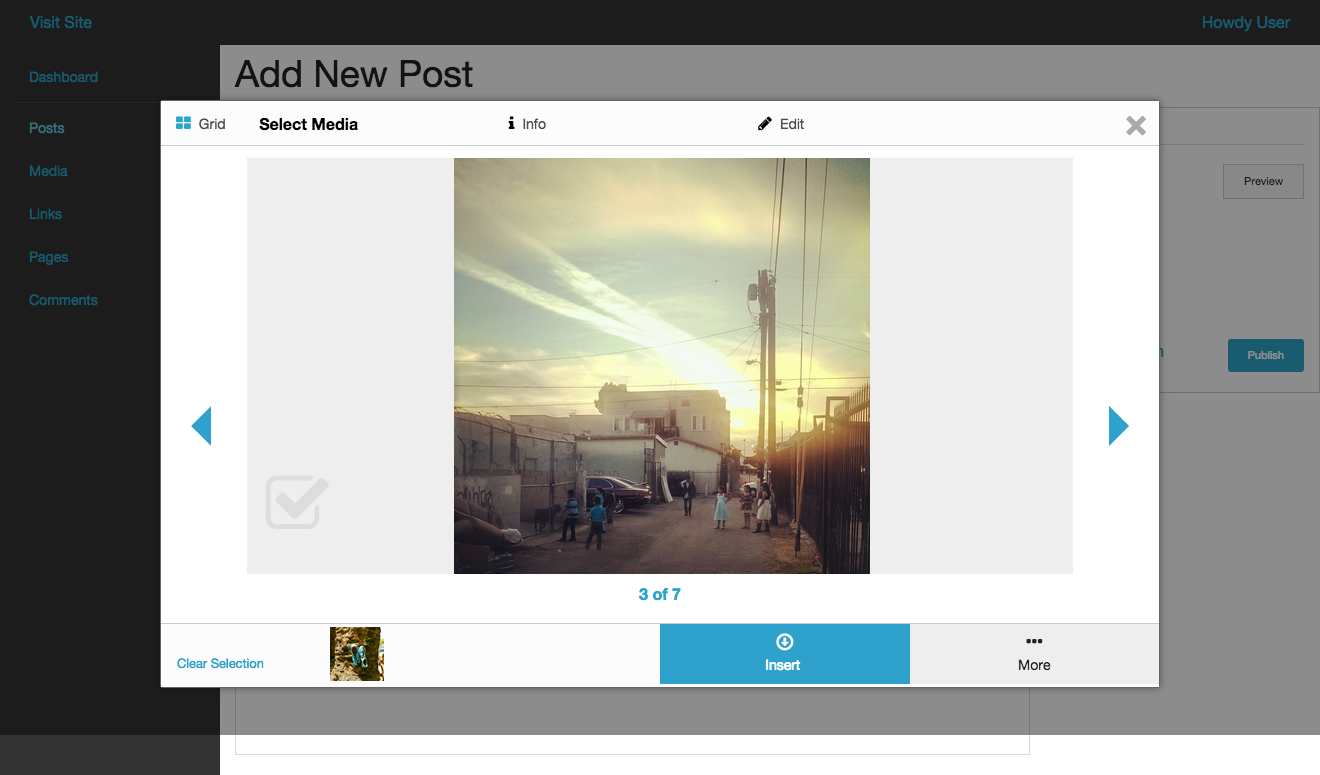
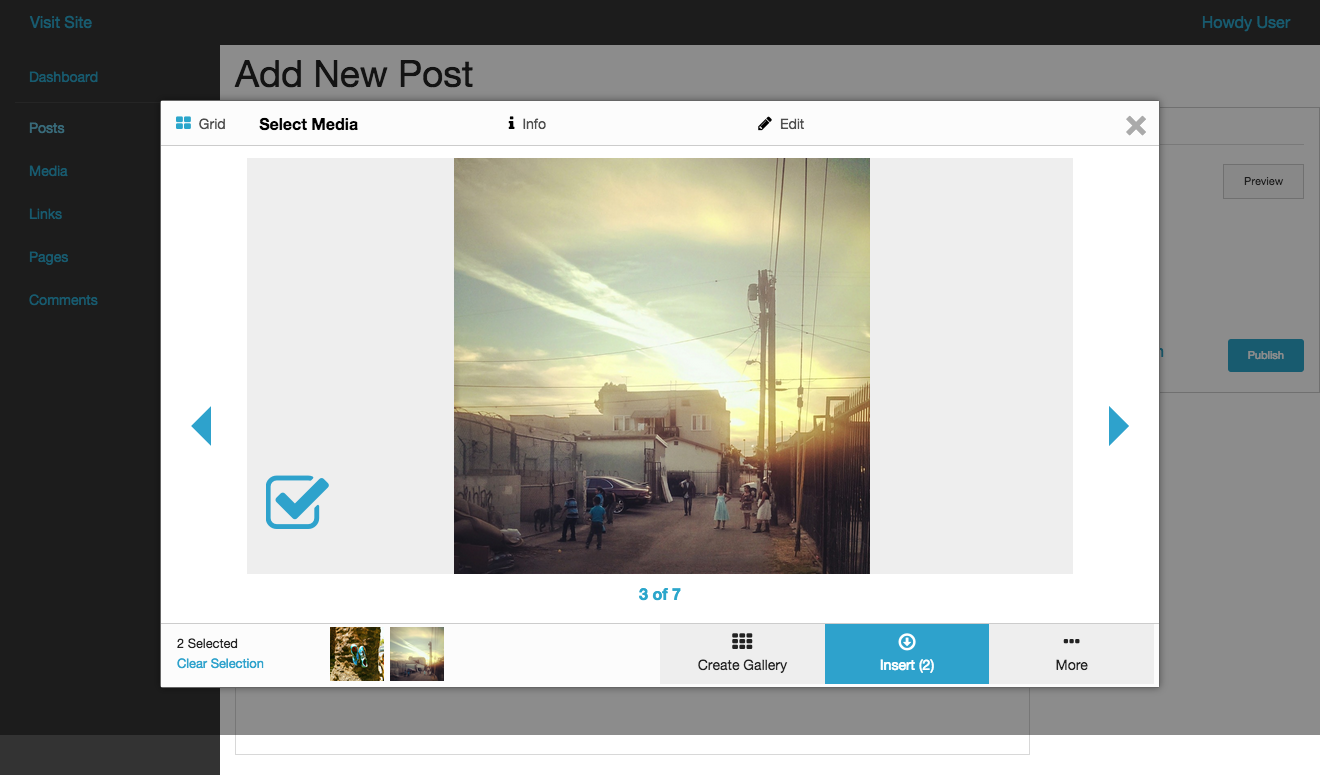
- User selects an image by clicking on the image.

-

- User scrolls right with swipe or right arrow click.

-

- User scrolls left by swiping or cllcking left arrow.

-

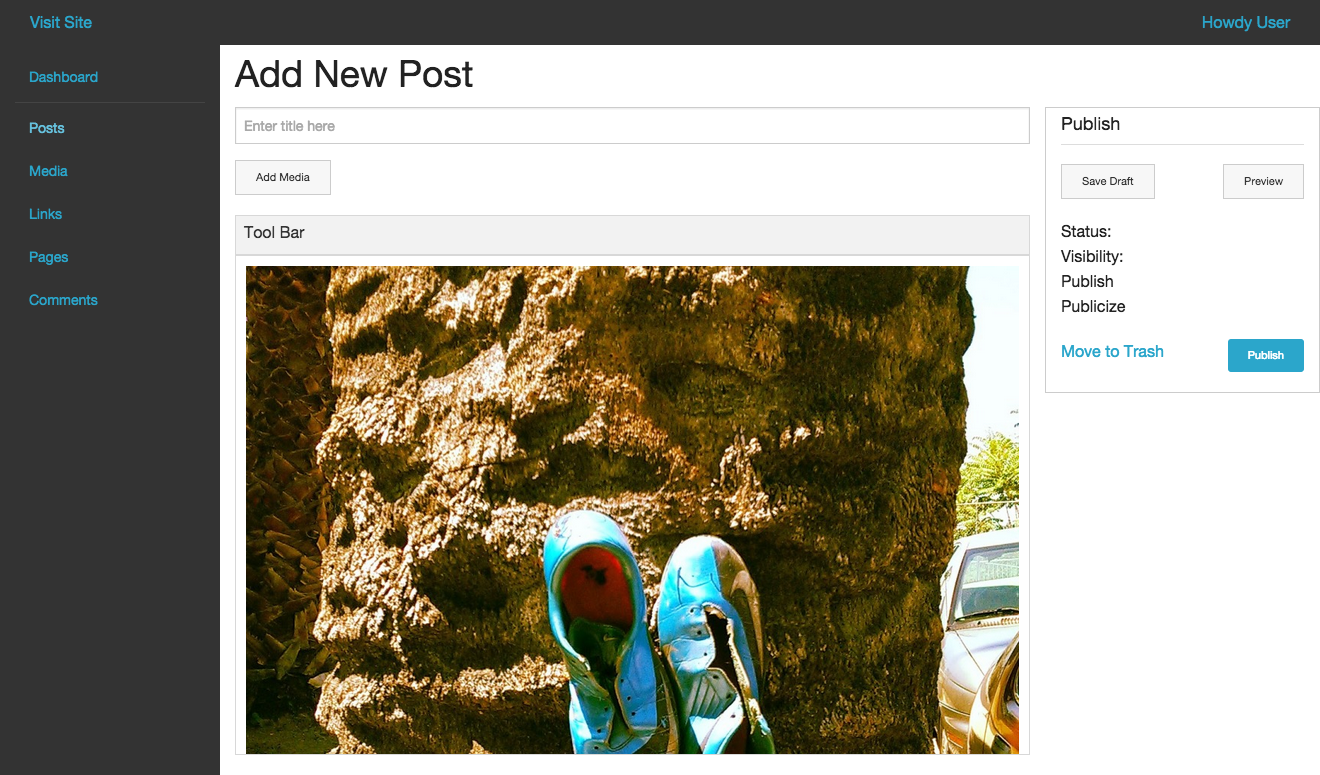
- User clicks ‘Insert’, images are inserted in selection order.
-

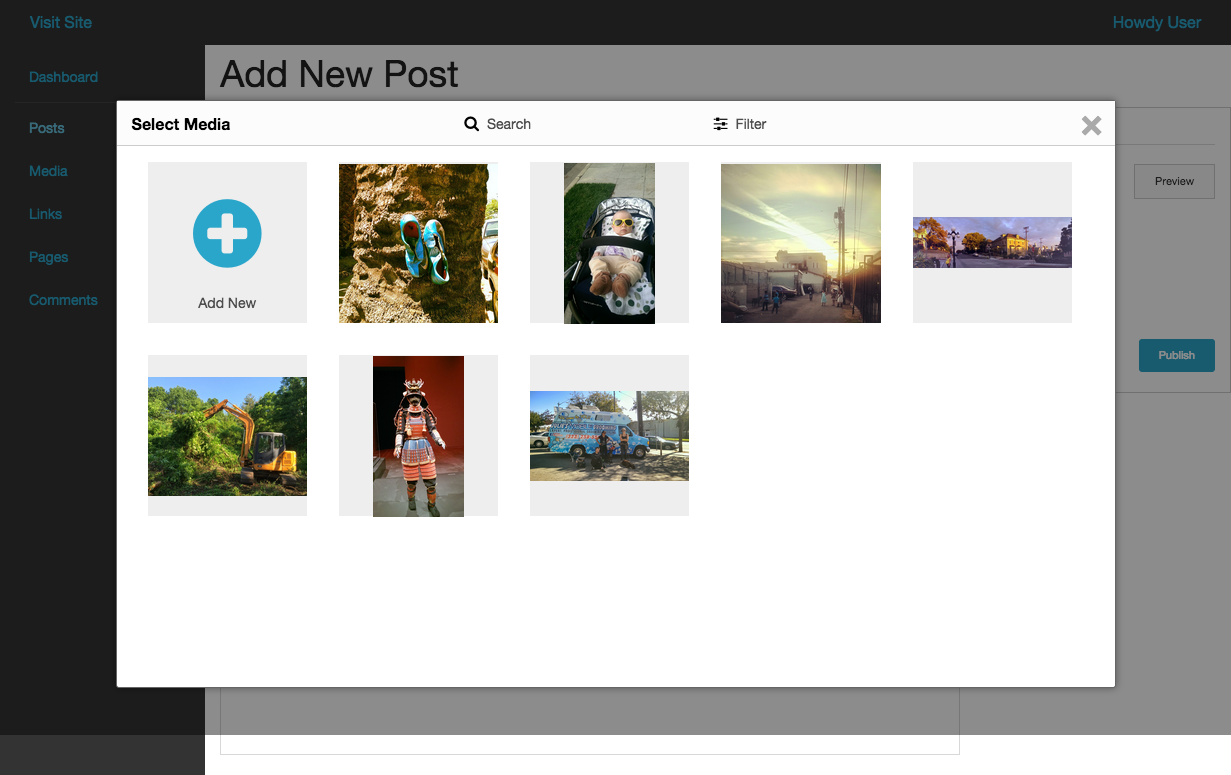
- User is brought to media grid.
-

- User views media at full size by clicking ‘View’

-

- User clicks ‘Info’ to view image details.
-

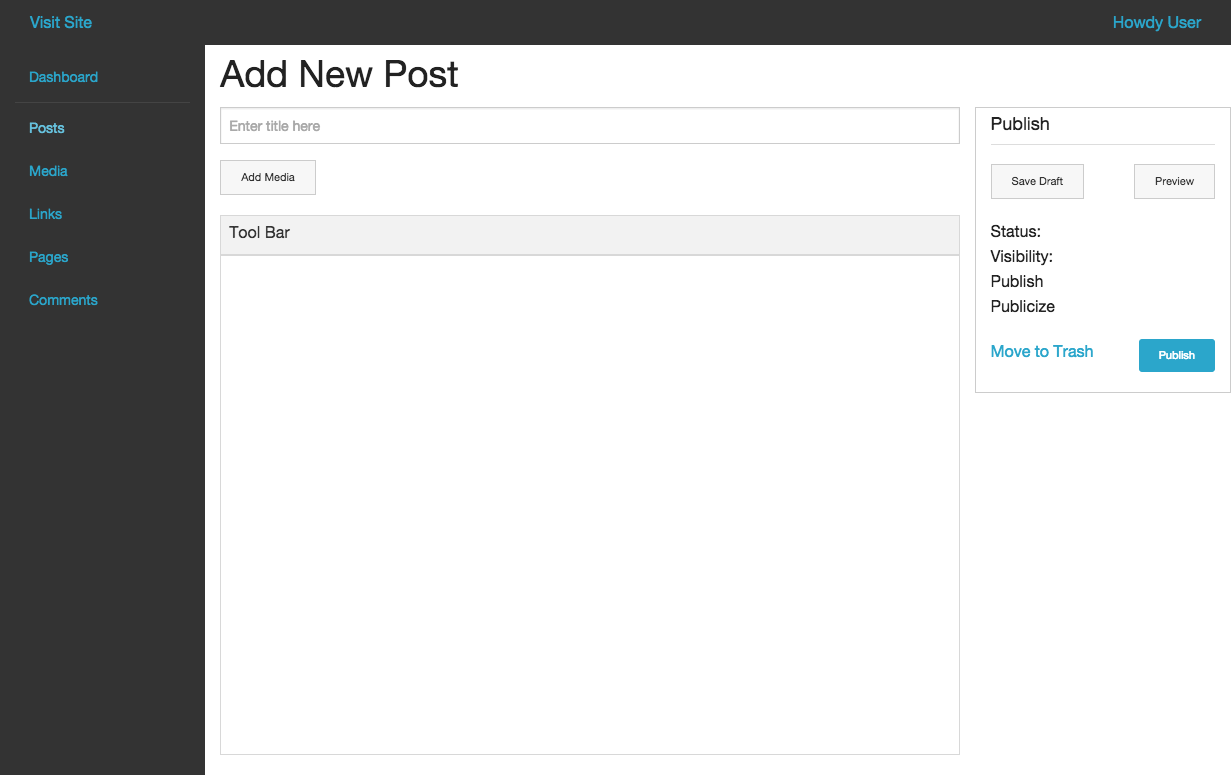
- User Clicks ‘Add Media’
-

- User scrolls left by swiping or cllcking left arrow.

-

- User selects image by tapping checkbox.
-

- User scrolls right with swipe or right arrow click.