Improved Lighbox UI
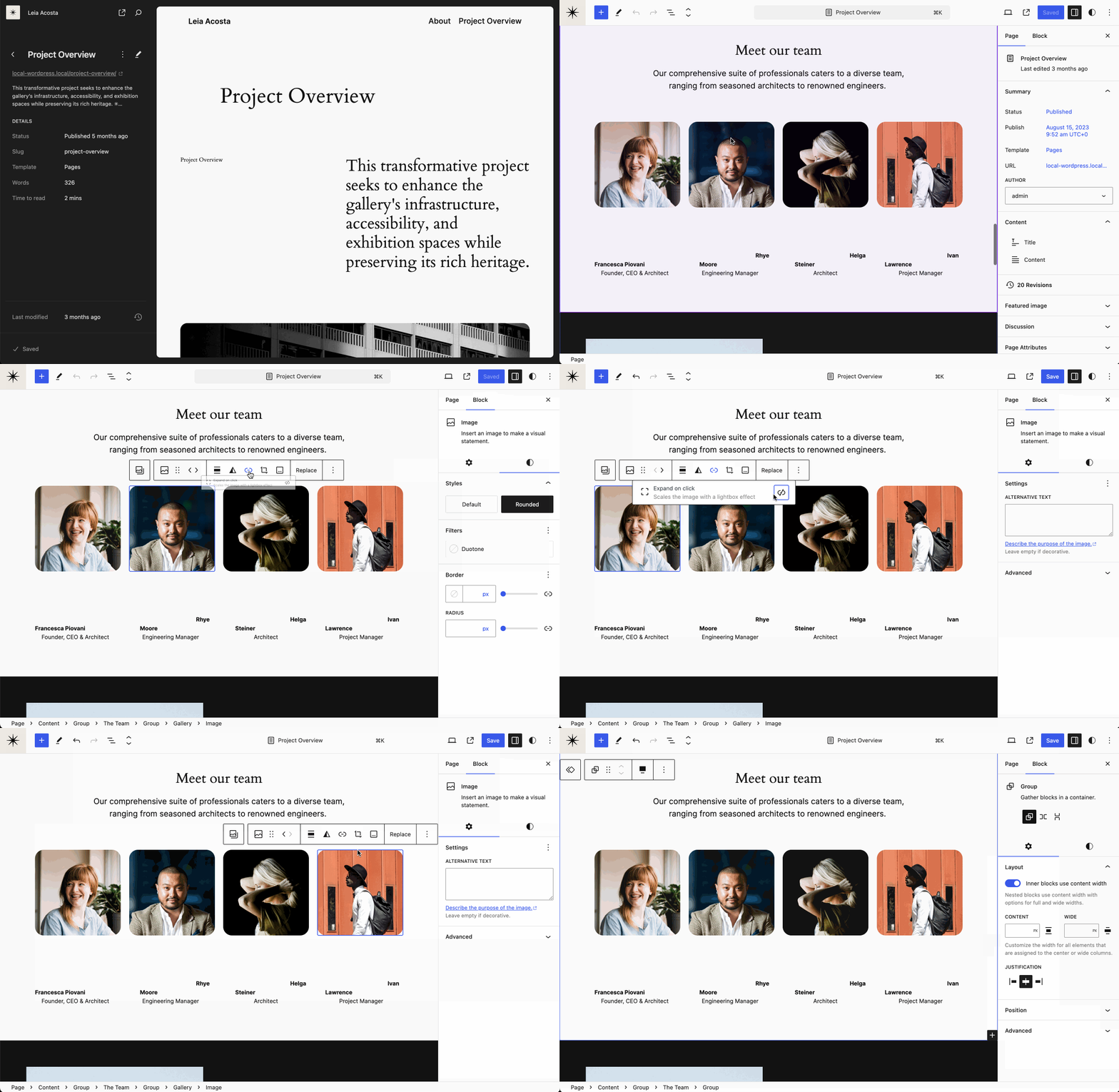
The lightbox, or “Expand on click” as it’s called, is designed to be enabled by default (settings.blocks.core/image.lightbox.enabled = true), and then untoggled on a per-image basis for images you don’t want zoomed, such as a list of logos, or employees. And since the lightbox is mutually exclusive with other links, it’s being moved to the link dialog in this PR that’s close to landing. The inverse behavior, off-by-default, is still possible.
Cover Aspect Ratio

In a recent PR, support was added for the Aspect Ratio control to the Cover block. This will enable a smoother transition when you convert from an Image, and open up new design possibilities.
Drag & Drop Displacement

In this PR, a displacement behavior to dragging and dropping blocks in the list view was added. Instead of the blue dropzone line is replaced by instant block displacement, making for more immediate feedback.
Scrolling Top Toolbar

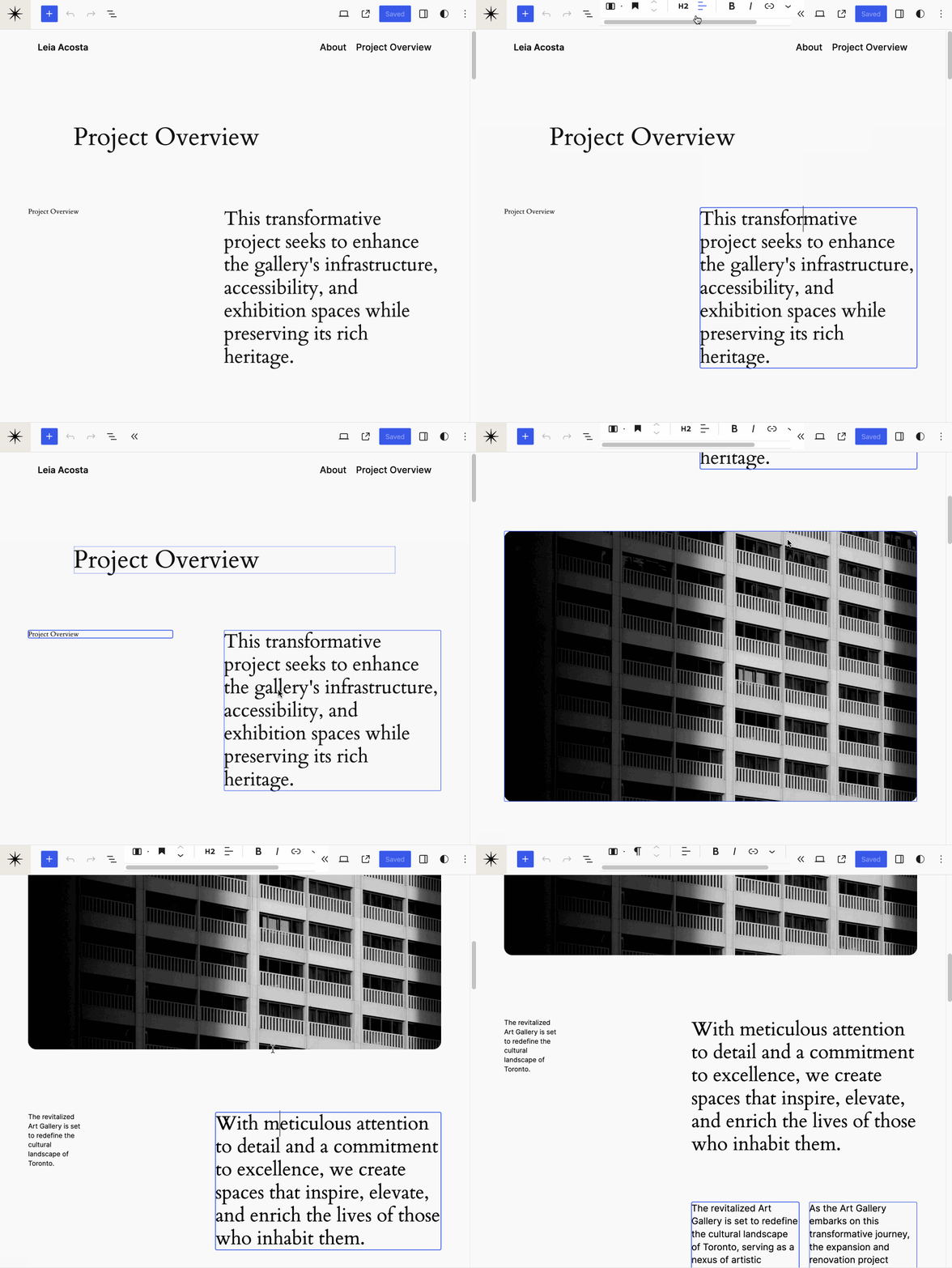
This PR is close to landing, web-standards scrollbar properties were leveraged to make a visible and compact horizontal scrollbar when the toolbar is cropped on smaller viewports. For comparison, this is what trunk looks like at the moment, when you don’t have auto-hiding scrollbars enabled:
If you have updates you’d like to include in the next Design Share, please drop a note in the Design channel on the Making WordPress Slack.